Back to blog
Back to Case Studies
Boards 2.0 | Beyond Static Dashboards
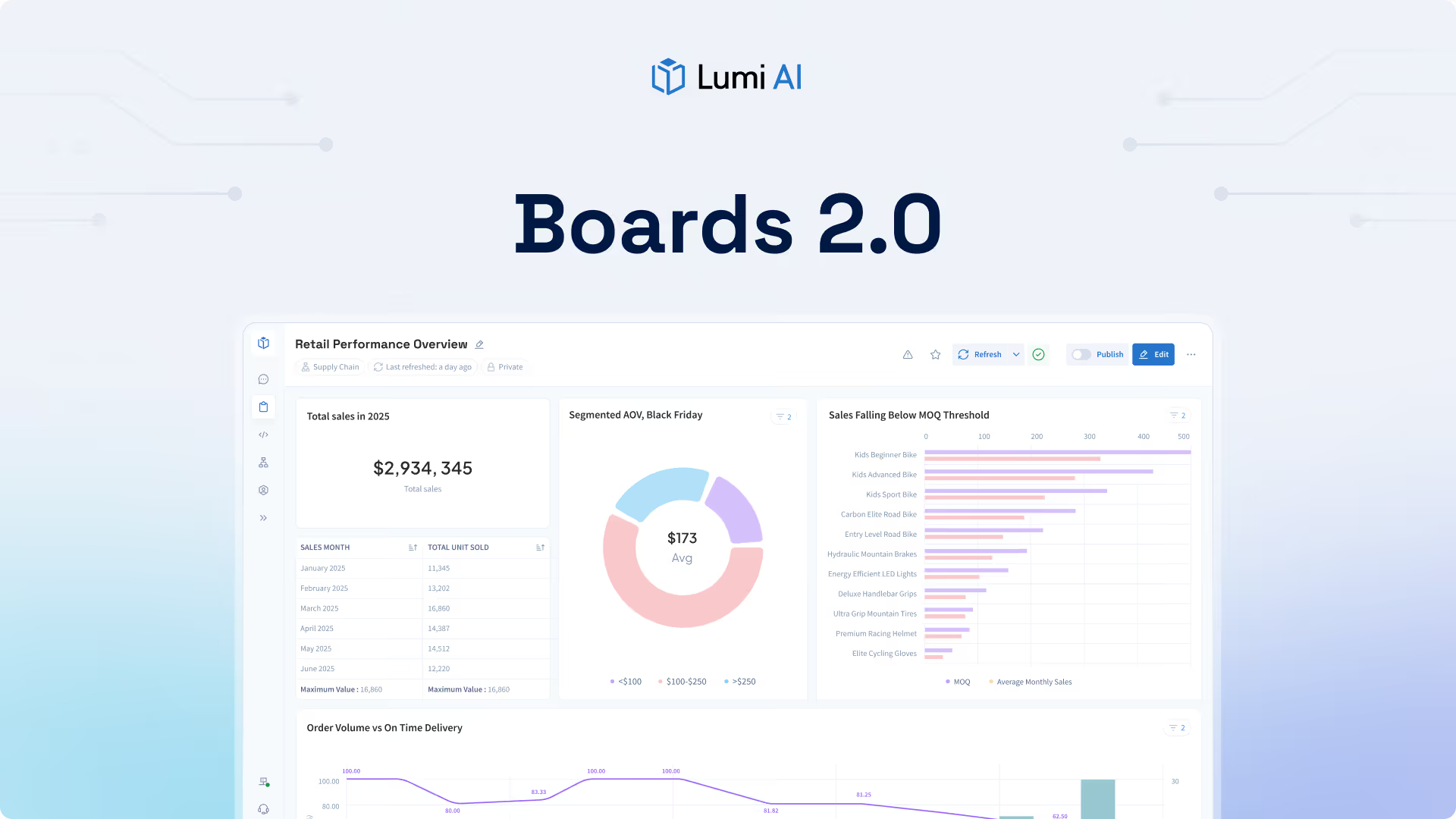

An upgraded dashboard suite for the the new standard of agentic analytics
Boards 2.0 expands how teams interact with insights in Lumi by making boards more dynamic, configurable, and ultimately, useful. This update focuses on how boards are actually used day to day, giving a suite of new functionality for operational teams. Boards 2.0 are calibrated with all the capabilities that the future of analytics demands; supporting ongoing analysis, monitoring, and collaboration between team members.
With Boards 2.0, we move beyond static collections of charts and become an interactive workspace for monitoring performance, exploring changes, and sharing insights across teams. Users can keep boards up to date automatically, dig into the details behind metrics when questions arise, and shape layouts to fit specific workflows and audiences. The result is a boards experience that better reflects how teams work with data over time.
What’s New
Boards 2.0 introduces several core capabilities designed to make boards more useful, more flexible, and easier to rely on as part of everyday workflows.
- Updated UI & Layout Customization: Boards are now updated with new customization features that users love. Users can create a range of boards with an easy-to-use interface, with one-click card generation, resize options, and rearrange options to match specific workflows, audiences, and use cases. This flexibility allows teams to design boards for monitoring, review, or exploration rather than being constrained by a fixed layout with pre-configured data constraints.
- Scheduling: Boards can now be scheduled to refresh and deliver on a recurring cadence. This allows teams to rely on boards as a consistent source of up to date insights without needing to manually refresh or check for changes. Scheduled boards support daily monitoring, weekly reviews, and recurring reporting with less overhead.
- Drill Down: Boards now support drill down directly from cards. Users can click into a card to explore the underlying data and move from high level summaries to more detailed views in context. This makes it easier to investigate changes, validate assumptions, and understand what is driving results without leaving the board experience.
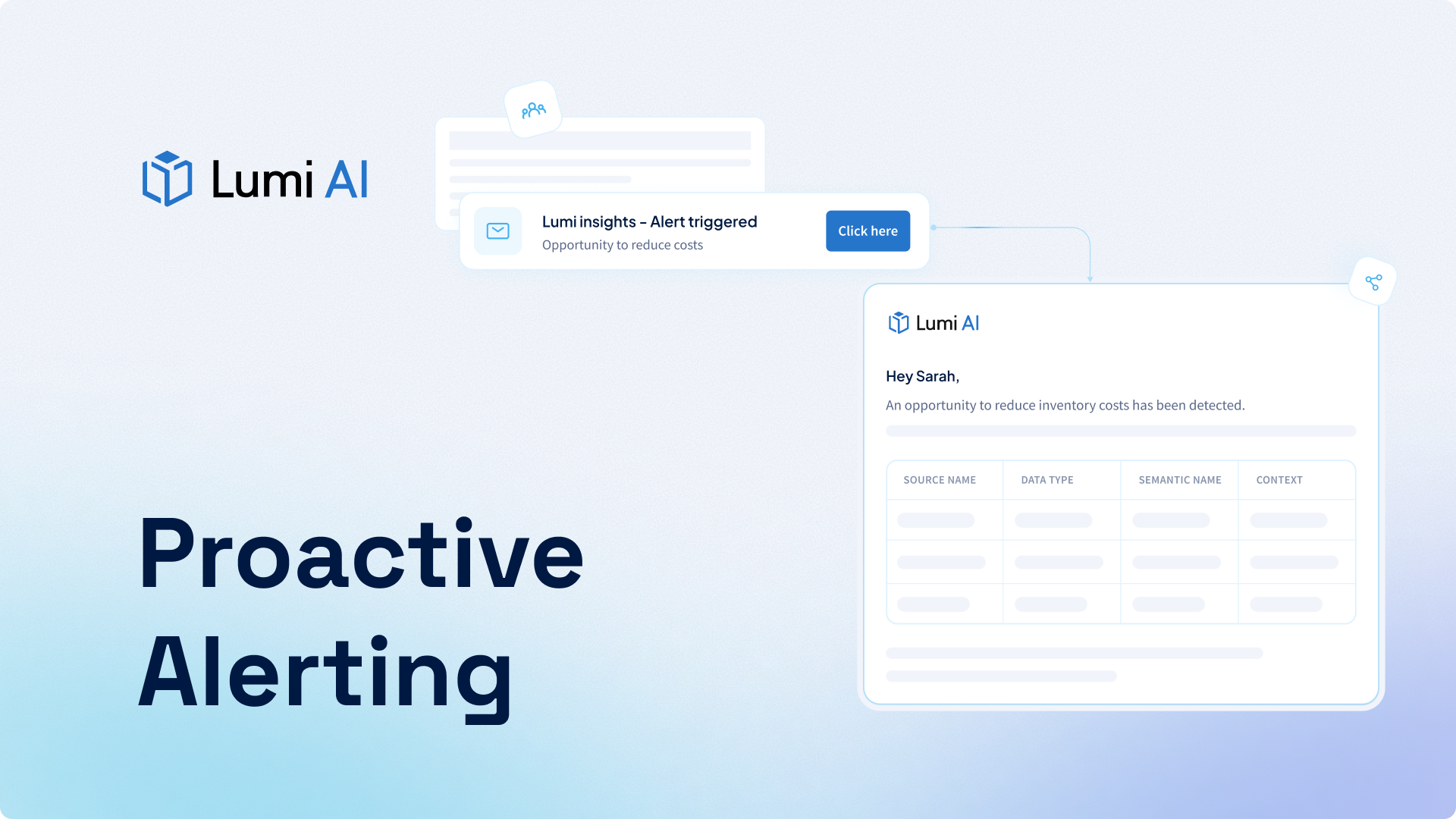
- Notifications and Alerts: Users can receive notification emails when boards refresh so they are automatically informed when updated insights are available. Additionally, with an upcoming release, alerting will be available to monitor metric ranges, providing visibility when values move outside expected thresholds. This helps ensure important updates are seen and allows boards to play a more active role in team workflows.
Customizable Layouts
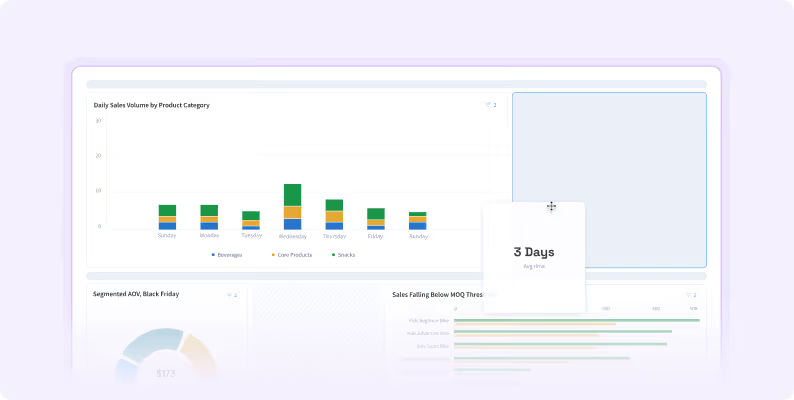
Different teams use boards in different ways. Boards are given ultimate autonomy for everyone across business lines to see what they want, where they want it. A fixed layout may work for one use case but feel limiting for another.
Boards 2.0 allows users to create, resize, and rearrange cards freely. This enables teams to design boards that match how they work, whether that is tracking operational metrics, reviewing trends over time, or exploring data interactively.
Layout customization turns boards into a flexible workspace that can evolve as questions and priorities change.
Scheduled Boards
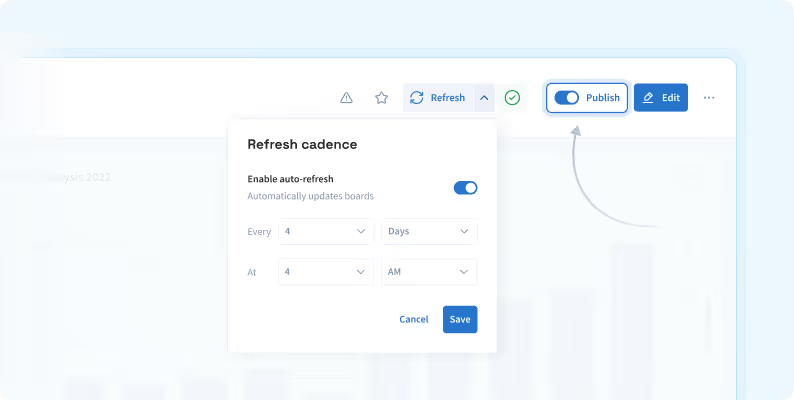
Boards are often used for recurring check ins, reviews, and ongoing monitoring, but keeping them current has traditionally required manual effort. As boards grow in importance, this friction can limit how reliable they are as a shared reference point.
Boards 2.0 introduces scheduling so boards automatically refresh on a defined cadence. Teams can trust that the data they are viewing reflects the latest available information at the right time, whether they are checking daily performance metrics or preparing for a weekly business review.
Scheduling reduces manual overhead and makes boards easier to operationalize across teams.
Drill Down Into Insights

This is one of the most impactful additions in this release. Drill down is a key differentiator that moves boards closer to the future of analytics by enabling exploration and context, rather than static, traditional dashboards.
High level summaries are useful for understanding what is happening, but meaningful analysis often requires understanding why it is happening. Without drill down, users are forced to recreate views or switch tools to explore further.
With drill down in Boards 2.0, users can explore the data behind a card directly from the board. This keeps analysis connected to the insight that triggered the question and allows users to move seamlessly between summary and detail.
Drill down makes it easier to investigate changes, spot patterns, and confirm assumptions without breaking context.
Boards Built for Flexible Workflows
In practice, teams need boards that can adapt over time. Static dashboards often require constant rebuilding as questions evolve, which creates unnecessary friction and slows analysis.
Boards 2.0 removes that friction. With scheduling, drill down, layout customization, and notifications, boards become easier to maintain, easier to explore, and easier to rely on as part of daily workflows.
Boards 2.0 is now available, and we are excited to see how teams use it to build more effective, adaptable boards in Lumi.
Book a demo today!

Make Better, Faster Decisions.
Join Our Newsletter
Subscribe for the latest on self-service analytics, AI, and data-driven transformations.