AI & Analytics
Histogram vs Bar Graph: What’s the Difference and When to Use Each
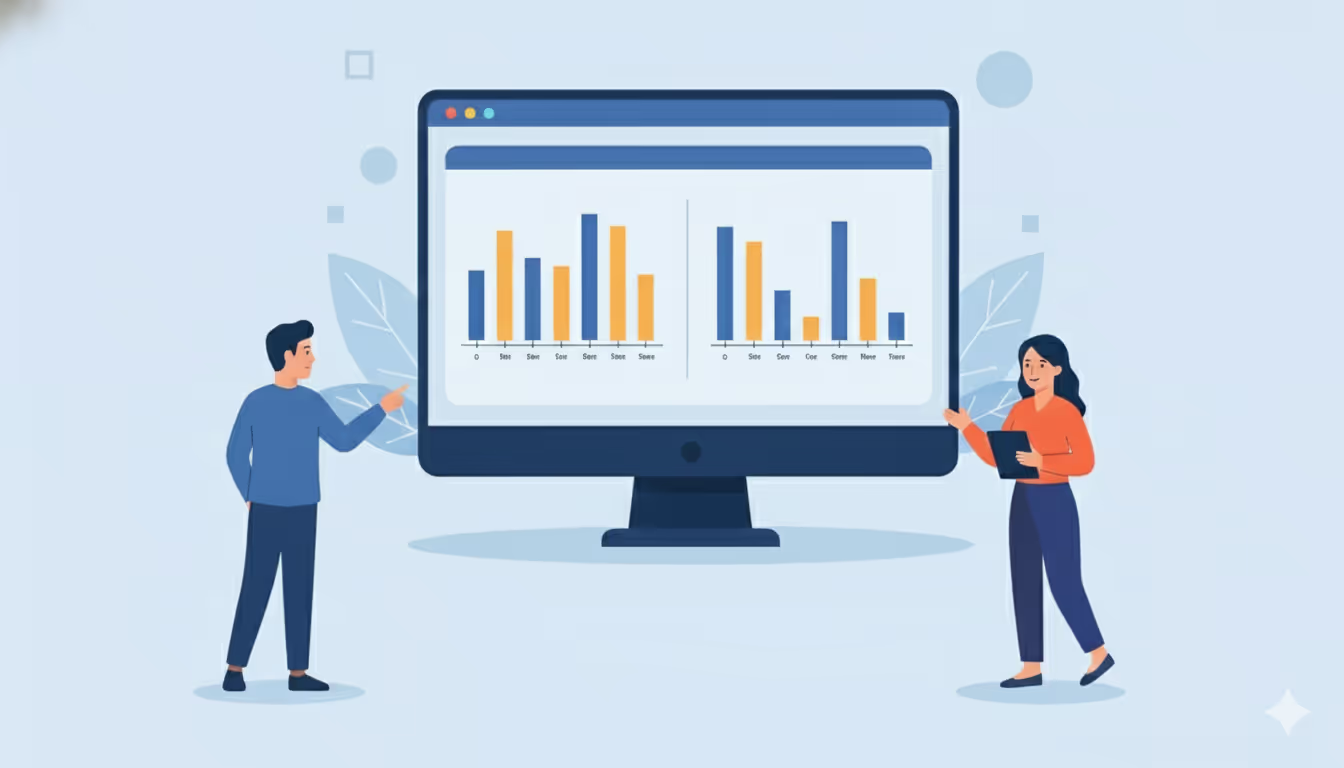
Understanding when to use a histogram vs bar graph is essential for anyone working with data. A histogram reveals how continuous numerical data distributes across ranges, showing patterns like clustering and outliers. A bar graph compares distinct categories, making it easy to rank different groups. Tools like Lumi AI automatically select the optimal visualization based on your data type, eliminating guesswork.
In this guide, we'll break down the key differences, explore real-world applications in supply chain, retail, and operations, and show you exactly when to use each visualization type.
Understanding the Basics
What is a Histogram?
A histogram displays the frequency distribution of continuous numerical data. Instead of showing individual values, it groups data into intervals called bins. The bars touch each other, indicating data flows continuously along a number line.
Think of a histogram as a snapshot of how your data spreads. The shape reveals patterns like where data concentrates, variability levels, and outlier presence.
For exploratory data analysis, histograms excel at revealing patterns that summary statistics miss. You instantly spot asymmetry, multiple peaks suggesting subgroups, and unusual gaps, making them invaluable for quality control and process analysis.
What is a Bar Graph?
A bar graph displays categorical data using a bar graph. Each bar represents a distinct category like product name, region, or department. Unlike histograms, bar graphs are a part of a different data series.
Bar graphs are used in business reporting because comparisons are obvious at a glance. Whether ranking sales teams, comparing regional performance, or showing budget allocation, bar graphs deliver clarity. You can sort them from highest to lowest to create rankings, something you should never do with a histogram. Learn more about self-service analytics approaches for business users.
The power of bar graphs lies in their simplicity. A CFO can immediately spot which department exceeds budget. A sales director instantly sees which product line generates the most revenue. The gaps between bars emphasize that each category stands alone, preventing the visual confusion that would occur if categories appeared to flow into each other.
Key Differences: Histogram vs Bar Graph
1. Data Type Determines Everything
Bar graphs work with categorical data, items in distinct groups like product names or regions. Histograms handle continuous numerical data, measurements taking any value within a range like time, weight, or dollar amounts. This distinction reflects how your data actually behaves: categories lack natural numeric relationships, while continuous data flows along a number line.
2. Bar Spacing Signals Meaning
Bar graphs include clear gaps between bars, visually reinforcing that each category is distinct. Histogram bars touch, usually with no gaps, indicating continuous data. When you see a gap in a histogram, it's meaningful, representing a range where no data points exist, possibly signaling an anomaly worth investigating.
3. What the Shape Reveals
Histogram shapes carry statistical meaning. Analysts examine shapes to understand distribution characteristics like variability, skewness, and multiple modes. A histogram skewed right shows most values cluster low with a tail of higher values. Bar graph shapes don't have inherent statistical meaning, they simply reflect category comparisons.
4. Precision vs Pattern Recognition
Bar graphs often display exact values for each category. You might label each bar with its precise count or amount, making individual comparisons crystal clear. This precision helps when you need specific numbers for decision-making.
Histograms aggregate data into ranges, emphasizing overall trends and patterns rather than individual values. While you see how many observations fall into each bin, you typically don't see every raw data point. The trade-off gives you broader insight into the data's behavior, distribution shape, and variability, patterns that individual values might obscure.
When to Use a Bar Graph
Use bar graphs to compare discrete categories or groups. They answer "Which is largest?" or "How do these rank?" Bar charts excel when you need to make differences between categories immediately obvious.
Common use cases:
- Comparing performance across distinct groups (revenue by division, sales by product category)
- Creating rankings (top sales teams, most common defect types)
- Showing resource allocation (expense by department, budget distribution)
- Time period comparisons (quarterly profits, year-over-year metrics)
Consider a retail manager comparing sales across five store locations. A bar graph makes it instantly clear which location leads in revenue and which lags behind. The visual ranking guides resource allocation decisions, should underperforming locations receive additional marketing support or sales training?
The rule is simple: if data naturally splits into labeled groups and you want direct comparisons, choose a bar graph.
When to Use a Histogram
Use histograms to understand how continuous data distributes across its range. They answer "What's the typical range?", "How variable is this?", and "Where do values cluster?" Histograms transform raw numbers into visual patterns.
Common use cases:
- Understanding distribution and variability (product weights in quality testing)
- Identifying patterns and outliers (exceptional sales days, unusual performance spikes)
- Frequency analysis in ranges (customer wait times by interval)
- Process performance assessment (defect rates, cycle times)
Consider a customer service center analyzing response times. A histogram reveals whether most customers get served within five minutes or whether many experience longer waits. The distribution shape shows process capability, a tight, narrow histogram centered on the target indicates a well-controlled process. A wide, spread-out histogram signals inconsistency requiring operational improvements.
Never use a bar graph for continuous data, doing so hides patterns histograms would reveal. If you arbitrarily grouped continuous data into categories for a bar chart, you might miss bimodal distributions, skewness, or meaningful gaps. For supply chain analytics, understanding distribution patterns is critical for inventory optimization and demand forecasting.
Real-World Business Applications
Supply Chain and Warehouse Operations
Bar graph example: Compare shipping volume across warehouses, or on-time delivery rates across carriers, each location becomes one bar. A logistics director uses bar graphs to benchmark facility performance, identifying which warehouses handle the most volume and which need capacity upgrades.
Histogram example: Analyze daily warehouse throughput over a year. A histogram groups days by volume ranges (0-50, 51-100, 101-150 orders), revealing whether performance is consistent or highly variable. Wide spread indicates capacity planning challenges. Narrow spread centered on target throughput indicates operational stability.
Retail Analytics
Bar graph example: Compare sales by product category, showing Electronics and Grocery with higher bars than Toys. This immediate visual comparison helps buyers allocate shelf space and inventory investment. Merchandising teams use bar graphs to rank SKUs by revenue contribution.
Histogram example: Understand transaction value distributions. A histogram might show concentration in $20-$50 range with a long tail of high-value orders, informing marketing strategies and inventory planning. This insight drives pricing strategies, if most transactions cluster low, consider promotions to increase basket size.
Operations and Quality Control
Bar graph example: Show safety incidents by department or downtime by machine. Operations managers use bar graphs to compare performance across teams and prioritize improvement initiatives. The ranking makes accountability clear.
Histogram example: Process variability analysis demands histograms. A manufacturing engineer plotting cycle times creates a histogram to assess stability. A narrow histogram indicates consistency; a wide or multi-peaked histogram reveals instability requiring root cause analysis.
The best analysts use both chart types together. A histogram might reveal high variability in delivery times. Follow-up bar charts then compare average delivery times by carrier to identify which supplier causes the variability. This combination provides comprehensive insight that neither chart type alone could deliver.
How AI Analytics Tools Simplify Chart Selection
Many business users struggle to remember which chart fits which scenario. Traditional analytics requires understanding chart theory and manual configuration, creating barriers for non-experts.
AI-powered data visualization tools like Lumi AI eliminate this challenge through automatic visualization selection. When you ask questions in plain English through conversational analytics, Lumi's AI agents analyze your data type and query intent.
Ask "What is the distribution of warehouse delivery times?" and Lumi generates a histogram. Ask "Compare sales by product category" and it creates a bar graph. The system understands context and selects accordingly, showing you the actual SQL or Python code for transparency. This builds trust in AI-generated insights while educating users about the underlying analysis.
For example, a supply chain manager asking "How consistent is our weekly output?" receives a histogram of production volumes. Ask instead "Which plant has the highest output variability?" and Lumi creates comparison bar charts, adapting to the query intent.
Lumi delivers ai analytics for enterprises by connects to your existing data infrastructure, warehouses, ERPs, and business systems. This automation embodies data visualization best practices, preventing common mistakes like using bar graphs for continuous data.
Best Practices and Common Mistakes
Do These Things
- Always identify your data type first: continuous numerical or distinct categories?
- Use histograms first when exploring new continuous data, distribution shape reveals patterns statistics miss
- Label axes clearly with units for self-explanatory visualizations
- Consider combining both chart types for comprehensive analysis
Avoid These Mistakes
- Never use bar graphs for continuous data, this hides crucial distribution patterns
- Don't create artificial categories from continuous data just to use a bar chart
- Never sort histogram bins, numeric sequence matters for understanding distribution
- Avoid forcing categorical data into histograms
- Don't use 3D effects or excessive styling that obscures data
The key question: "Am I comparing categories or exploring a distribution?" Comparing categories = bar graph. Exploring distribution = histogram.
Conclusion
The difference between histograms and bar graphs isn't just technical, it's about revealing truth in your data. Bar graphs compare discrete categories, answering which group is largest. Histograms reveal how continuous data distributes, showing patterns and variability that averages conceal.
Choosing the right visualization directly impacts decision quality. In today's environment, you don't need to become a data visualization expert. AI-powered analytics platforms automatically select optimal chart types, ensuring you always get the most revealing visualization.
Ready to transform how your organization analyzes data? Discover how Lumi AI delivers instant, actionable insights with automatically optimized visualizations. Simply ask questions in plain English and let AI agents handle the complexity.
Frequently Asked Questions
What is the main difference between a histogram and a bar graph?
The fundamental difference is data type. Bar graphs display categorical data with distinct groups, with gaps between bars indicating separate categories. Histograms show frequency distribution of continuous numerical data with touching bars indicating data flows along a continuous range.
When should I use a histogram instead of a bar graph?
Use a histogram when you have continuous numerical data and want to understand its distribution. Histograms answer questions about how values spread, where they cluster, and whether outliers exist. Examples include analyzing purchase amounts, process cycle times, or daily sales variability.
Can histograms and bar graphs be used together?
Absolutely. Use a histogram first to identify distribution issues in continuous data, then use bar graphs to break down the data by category for deeper investigation. For example, a histogram might reveal high variability in delivery times, while follow-up bar charts compare average delivery times by carrier.
How do AI analytics tools choose between chart types?
AI-powered platforms analyze your data structure and query intent. When you request distribution information, they generate histograms. When you ask for category comparisons, they create bar graphs. Lumi AI's agents understand natural language and apply data visualization best practices automatically.
What are the most common mistakes when choosing between these charts?
The most frequent errors include using bar graphs for continuous data (which hides distribution patterns), sorting histogram bins (which destroys their meaning), creating artificial categories from continuous data just to use a bar chart, and not properly identifying whether data is categorical or continuous before choosing. Always start by classifying your data type correctly, this single decision determines the right chart.

Data & AI Products | Founder & CEO at Lumi AI | Ex-Director at Unicorn. Ibrahim Ashqar is the Founder and CEO of Lumi AI, a company at the forefront of revolutionizing business intelligence for organizations with a specialization in the supply chain industry. With a deep-rooted passion for democratizing data access, Lumi AI seeks to transform plain language queries into actionable business insights, eliminating the barriers posed by SQL and Python skills.
Related articles
The New Standard for Analytics is Agentic
Make Better, Faster Decisions.